7 Tools to Make Your AI-Generated Websites Look Premium
Muhammed Shan · 27 October 2026 · 3 min read
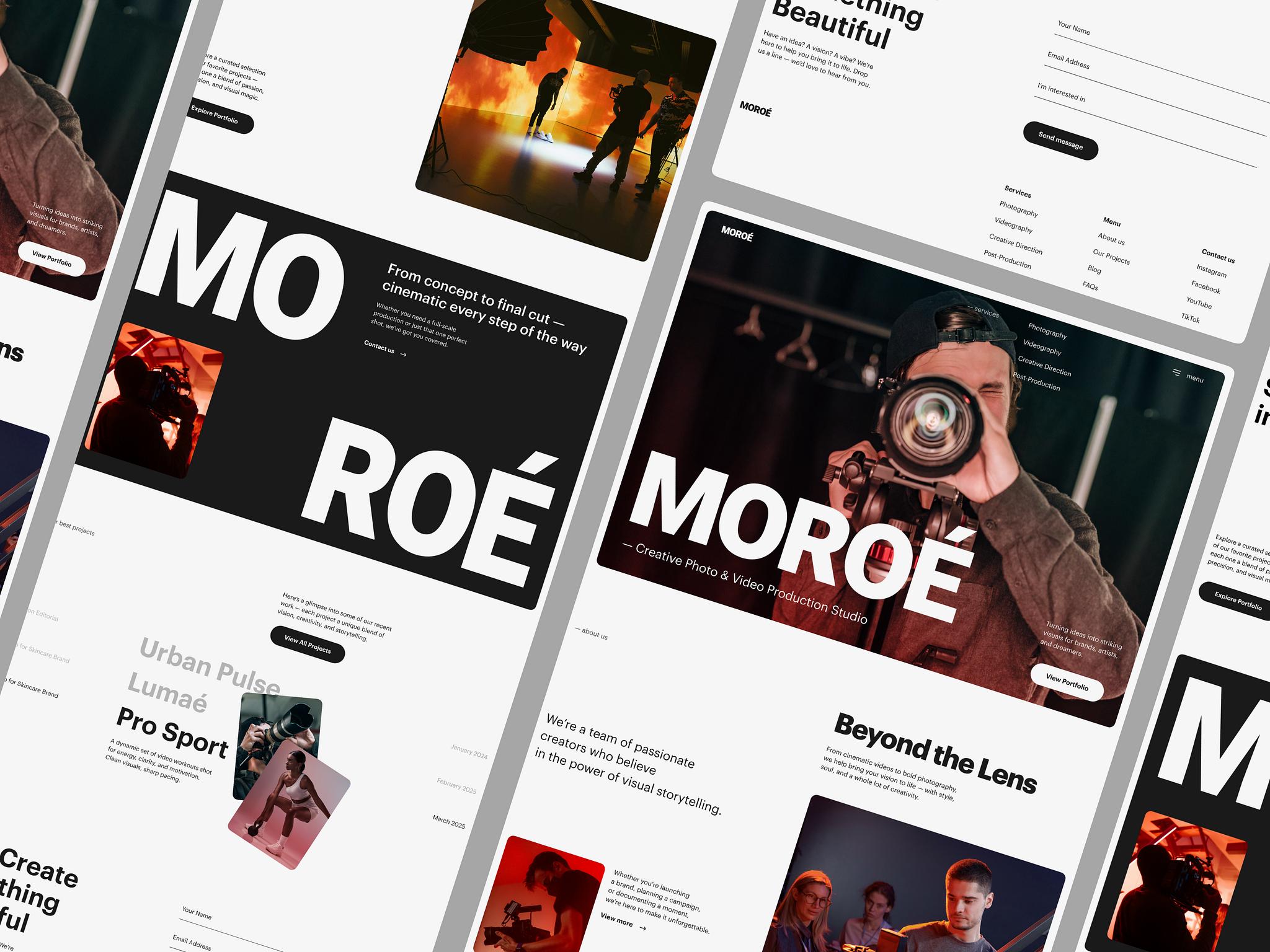
7 Tools to Make Your AI-Generated Websites Look Premium
Ever built a website using AI and felt like it looks just like every other AI-generated website? 😅
The same layouts, generic icons, and repetitive designs.
The good news is that you can make your websites look much better with the right design references. Here are 7 useful tools to help you do that using Claude Code, Cursor, or other AI coding tools.
1. Navbar Gallery
Link: https://navbar.gallery
Find inspiration for clean, premium navbar designs.
How to use: Choose a design you like, share it with your AI coding tool, and ask it to recreate the layout using your logo, links, and brand style.
2. Supahero
Link: https://supahero.io
Your hero section creates the first impression of your website. Supahero helps you explore different hero designs.
How to use: Pick a reference that suits your product and ask your AI tool to customize it for your website.
3. CTA Gallery
Link: https://cta.gallery
Explore call-to-action designs that encourage visitors to sign up, explore products, or make purchases.
How to use: Find a suitable CTA design and adapt its layout, button styles, and messaging to your website.
4. Footer Design
Link: https://footer.design
A good footer makes your website feel complete and professional.
How to use: Choose a layout and customize it with your contact details, navigation links, social media, and legal pages.
5. 3D Icons
Link: https://3dicons.co
Replace boring, generic icons with stylish 3D visuals that add personality to your website.
How to use: Choose icons that match your design and use them selectively. Always check the licensing terms before commercial use.
6. Scrolltide
Link: https://scrolltide.co
Explore scrolling animations and interactive effects that make websites more engaging.
How to use: Find an effect you like, share the reference with Claude Code or Cursor, and ask it to implement a smooth, responsive version.
7. Refero Styles
Link: https://styles.refero.design
A great resource for finding design inspiration and creating a consistent visual style across your website.
How to use: Use your chosen reference to define colors, typography, spacing, and components. If a DESIGN.md file is available, add it to your project so your AI coding tool can follow those guidelines.
The Best Workflow
To get the best results, follow this simple order:
Set your design direction using references and consistent styles.
Improve the navbar and hero section.
Refine the CTA and footer.
Add suitable icons and animations.
Test the complete website on mobile and desktop.
Final Thoughts
AI can build your website, but the design references you provide can make a huge difference in the final result.
Instead of letting AI decide everything, find designs you love and use them as inspiration for your project.
Save this guide for your next website project, and follow Delta AI Academy for more AI tools and practical tips!
Want to build this yourself?
The programme takes you from nothing to shipped — even if you have never coded.
Join the programme